

 Discord account linking
Start from Loader
Open the sign-in link from the Windows app.
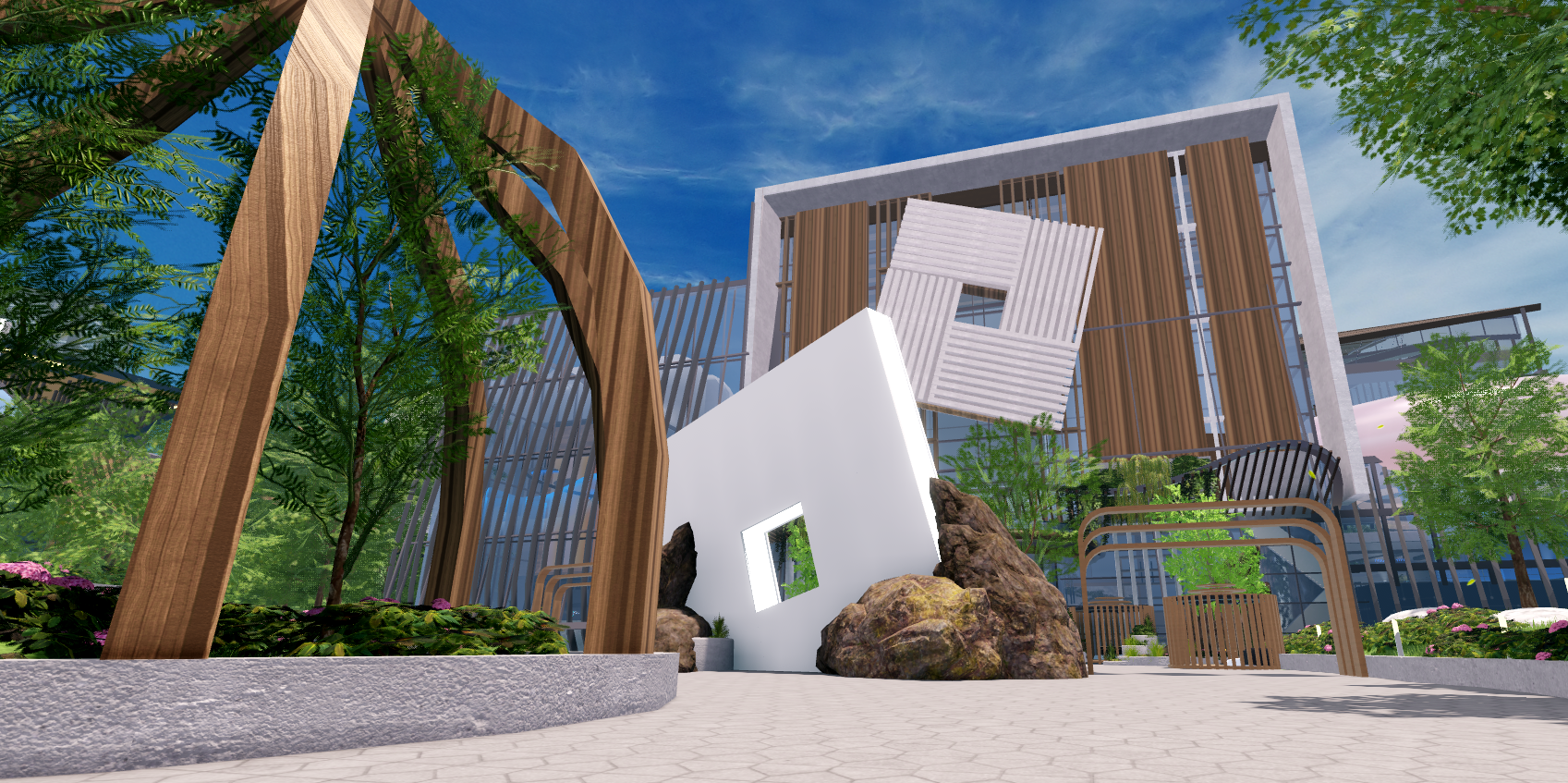
Manage your settings and overlay from Windows while you play Roblox.
Sign in with Discord, redeem your key once, then return to Loader.
Open the sign-in link from the Windows app.
Use the Discord account linked to your license.
Redeem your key if asked, then continue.
Public build available · Roblox on Windows
Controls and account access stay in the Windows app, so you can manage your setup outside Roblox.
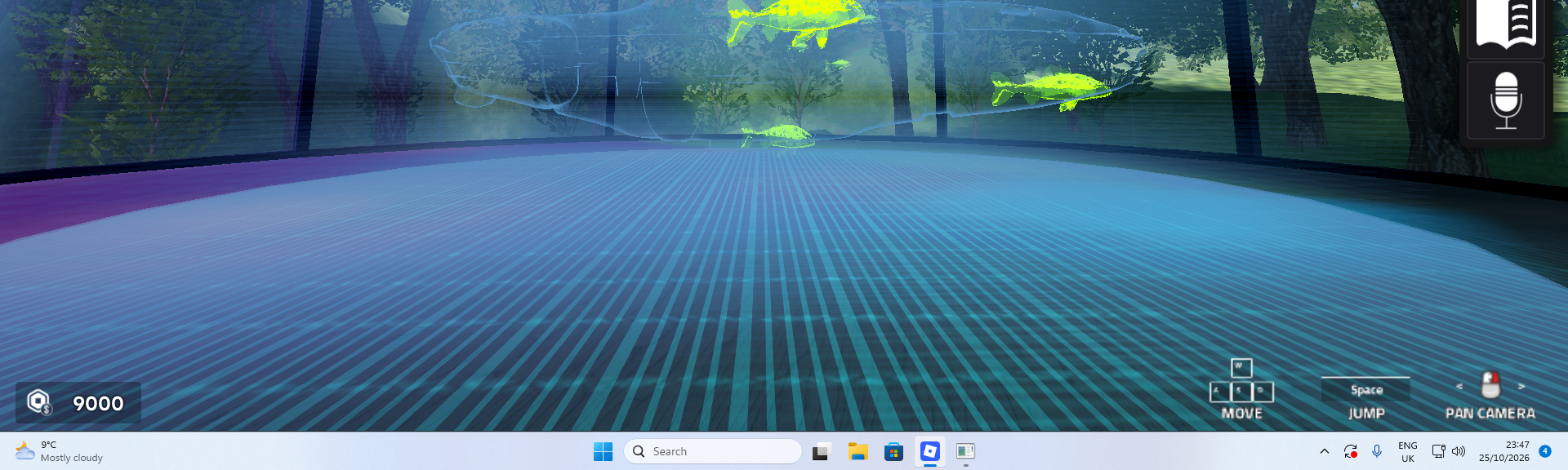
Settings and controls stay in a separate Windows application.
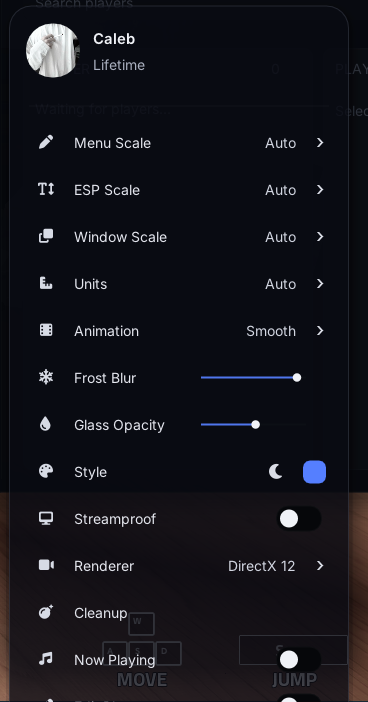
Choose how the overlay appears in supported recording and streaming software.
Lifetime access to the public release, updates and community support.
Open Loader and continue with Discord. If your account does not have access yet, the browser will ask for your license key before returning you to Loader.
NeverLose is built for Windows 10 and Windows 11. You will also need an internet connection for account and license checks.
Standard character systems have the broadest support. Games with custom models may require a NeverLose update. Check Discord for the current support list.
Yes. Contact support from the Discord account linked to your license. Staff can reset the authorized device after confirming ownership.
No. Third-party tools can put your Roblox account at risk. Decide whether that risk is acceptable before using NeverLose.
Questions before buying?